
X (formerly known as Twitter) still provides free access to their API which is more than adequate for personal usage volumes. Currently, the API limits are 1,500 per month or 50 in 24-hours. My goal is to post only — so, send tweets into Twitter; I’m not looking to pull any data out.
I’m not a huge fan of using Python modules for these things as that only adds another complicated layer between me and the endpoint. I’ll avoid Tweepy and use the requests library to send a tweet with Python.
Python tweeting
The first step is to obtain API keys and tokens. Setup a developer app and generate the API key, API secret key, Access token, and Access token secret.
Next, install the required libraries, if required. We will be using the requests and requests-oauthlib libraries.
pip install requests requests-oauthlib
Send a tweet with Python
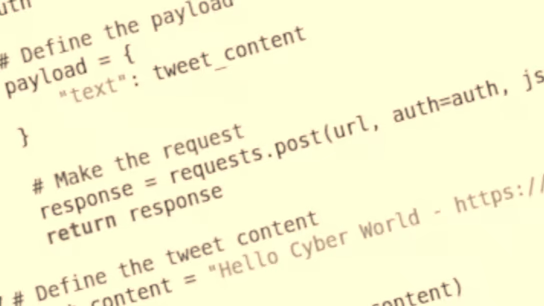
This is the script to send a tweet using OAuth 1.0a User Context.
#!/usr/bin/env python3

import requests
from requests_oauthlib import OAuth1

# Your Twitter API credentials
API_KEY = 'your_api_key'
API_SECRET_KEY = 'your_api_secret_key'
ACCESS_TOKEN = 'your_access_token'
ACCESS_TOKEN_SECRET = 'your_access_token_secret'

# Endpoint URL
url = "https://api.twitter.com/2/tweets"

# Function to post a tweet
def post_tweet(tweet_content):
    # Create an OAuth1 authentication object
    auth = OAuth1(API_KEY, API_SECRET_KEY, ACCESS_TOKEN, ACCESS_TOKEN_SECRET)

    # Define the payload
    payload = {
        "text": tweet_content
    }

    # Make the request
    response = requests.post(url, auth=auth, json=payload)
    return response

# The tweet content
tweet_content = "Hello, world! This is a tweet from my Python script."

# Post the tweet
response = post_tweet(tweet_content)

# Check the response
if response.status_code == 201:
    print("Tweet posted successfully!")
else:
    print(f"Failed to post tweet: {response.status_code}")
    print(response.json())
And there you have it. Short and sweet, like a tweet! 😊️